Video Call Outfits for Client Meetings: What Works on Camera and What Doesn't
The complete guide to looking professional on Zoom and Google Meet. Colors, patterns, lighting, and the surprising items that make or break your on-camera presence.
Your Camera Is Not a Mirror
What looks great in your bathroom mirror often looks terrible on a webcam. Colors wash out, patterns create moiré effects, and that shirt you love suddenly makes you look like you're floating in a sea of static. Here's what actually works.
Colors That Work on Camera
Best colors:
- Navy blue — the undisputed champion. Rich, professional, and universally flattering on camera.
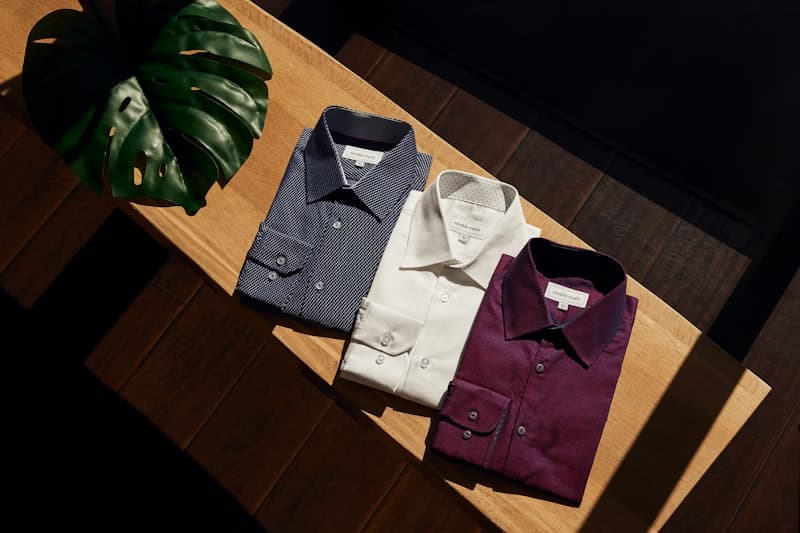
- Burgundy / maroon — warm and authoritative without being aggressive.
- Forest green — calming, natural, works well on most skin tones.
- Medium grey — neutral and professional. Avoid very light grey which washes out.
- Soft white or cream — works for shirts but needs a darker jacket over it.
- Light blue — friendly and approachable, the classic "trust me" color.
Colors to avoid:
- Pure white — blows out highlights on most webcams.
- Bright red — bleeds and distracts.
- Black — absorbs all light, you become a floating head.
- Neon anything — causes chromatic aberration.
- Bright orange or yellow — unflattering on most webcams.
The Pattern Problem
Fine stripes, small checks, and herringbone create a distracting moiré pattern on digital cameras. If you must wear a pattern, choose: large-scale patterns (wider stripes, bigger checks), solid textures instead of prints, or patterns only visible up close (subtle dobby weaves). Test your outfit by recording a 30-second video on your actual setup before the call.
The Complete Outfit Formula
Top half (what they see):
- Layer 1: Well-fitted solid color shirt (Oxford, poplin, or merino)
- Layer 2: Unstructured blazer or quality knit cardigan
- No tie needed for most calls — it looks try-hard on Zoom
Bottom half (what you feel): Wear real pants. Not because anyone will see them, but because it affects your posture, confidence, and how you present. The psychological difference between sweatpants and proper trousers is real — you sit differently, gesture differently, and speak differently.
Accessories:
- Minimal jewelry — a simple watch is enough
- No reflective surfaces near your face
- Glasses: if you wear them, clean them and adjust lighting to minimize reflections
Lighting Makes or Breaks Everything
A $20 ring light does more for your appearance than a $200 shirt. Setup: position the light slightly above eye level, angled down at 45 degrees, about 2-3 feet from your face. Natural light from a window directly in front of you is the best free option — never sit with a window behind you.
Camera Positioning
Eye-level or slightly above. A laptop on a desk points up at your chin and nostrils — not flattering. Raise your laptop on a stand or books so the camera is at eye level. Sit about arm's length from the camera. Frame yourself from mid-chest to a few inches above your head.
Background Psychology
Your background sends signals. A plain wall with one piece of art says "focused professional." A bookshelf says "well-read, thoughtful." A messy room says... you know what it says. If you can't control your background, use a subtle virtual background or gentle blur — but test it first, as virtual backgrounds can create distracting edge artifacts.
FAQ
Q: Do I need a professional camera? A: No. A modern laptop webcam is fine. Upgrade lighting before upgrading your camera — it's cheaper and has more impact.
Q: Can I wear a t-shirt? A: For internal team calls, yes (quality solid-color tee). For client calls, add at least a casual blazer or overshirt on top.
Q: What if I have a last-minute call and look terrible? A: 3-minute rescue: wash face, put on a solid dark top, comb hair, position a lamp in front of you, raise laptop to eye level. That covers 80% of the problem.
Q: Should I stand during video calls? A: Standing desks work well on camera — you naturally have better posture. Just make sure your camera is adjusted for standing height.
Q: How do I handle multiple monitors? A: Put your camera on the monitor you'll be looking at most. Looking at a side monitor while the camera is on the center monitor makes you appear shifty or disengaged.
Summary
Looking good on video calls is 60% lighting, 30% clothing choices, and 10% camera positioning. Start with a $20 ring light, stick to solid navy/burgundy/grey tops, raise your camera to eye level, and wear real pants. That's the entire formula — and it works for every call from pitch meetings to investor updates.